Arcoline app icon
Arcoline
Metering · by Audivea
Available now · Version 1.1.5

Everything you check before you deliver, in one calm instrument.

A precision meter for loudness, true peak, dynamics, stereo image and tonal balance — with two views: Dive for a close look, Ascend for the at-a-glance verdict.

Free · VST3 · AU · Standalone · macOS & Windows
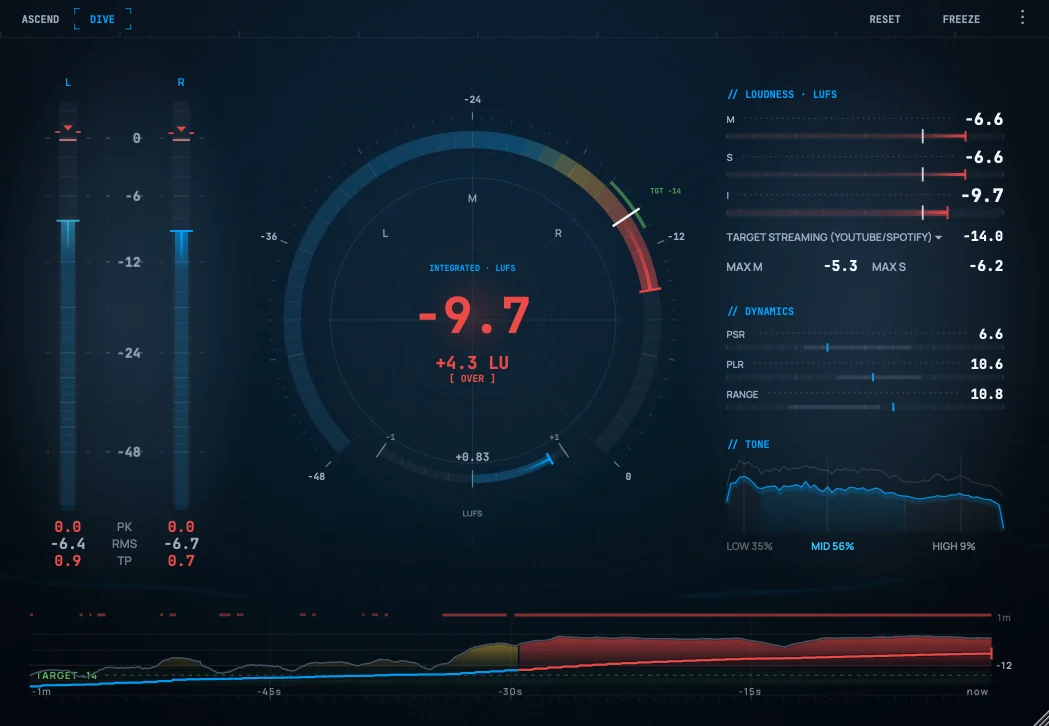
Arcoline Dive view: a top control bar, left/right level meters, a central radial loudness dial reading -7.3 LUFS, a report card with LOUDNESS, DYNAMICS and TONE sections, and a loudness-history graph along the bottom.
Dive — the full workbench, in the default Deep Blue theme.
The two-view split

One measurement, two ways to read it.

Arcoline reads everything once, then shows it at two densities — switch any time with Tab.

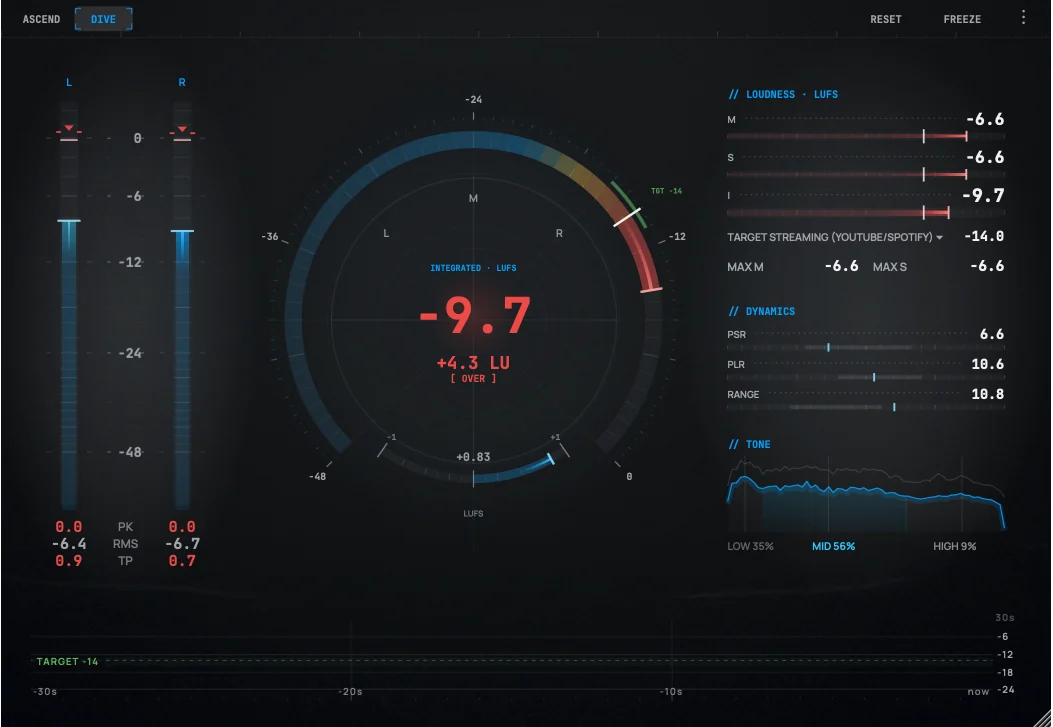
Arcoline Dive view with every meter visible at once.
Dive

The full workbench.

Every reading on one screen — for when you're diagnosing a problem or running a mastering QC pass.

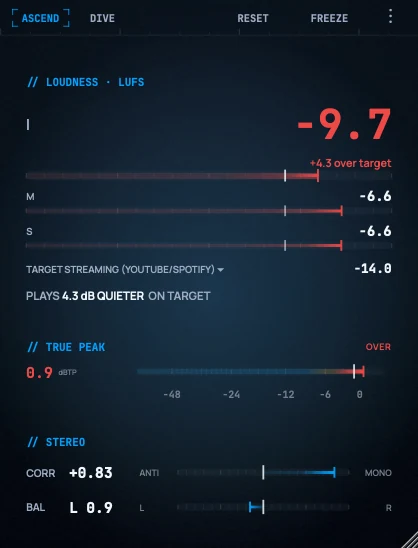
Arcoline Ascend view: a dominant Integrated LUFS number with a delta chip and the delivery-critical reads.
Ascend

The at-a-glance verdict.

One big loudness number and a ±LU delta against your target — the “am I safe?” answer, glanceable while you create.

What it measures

The whole delivery check, in one plugin.

Everything you'd otherwise open three meters to see — with built-in targets for Spotify, Apple Music, YouTube, broadcast and film. The manual covers every reading in full.

Loudness

Momentary, Short-term and Integrated LUFS — the number platforms normalize to.

True peak

Inter-sample dBTP with a sticky over-flag, so a stray transient can't slip past.

Level

Per-channel peak & RMS with peak-hold and clip detection.

Dynamics

PSR, PLR and loudness range — how squashed or open your master is.

Stereo image

Goniometer, phase correlation and L/R balance — a fast phase-safety check.

Tonal balance

Low / mid / high energy split — catches a bass-heavy mix or a brittle top.

The centre instrument

Three postures, one axis.

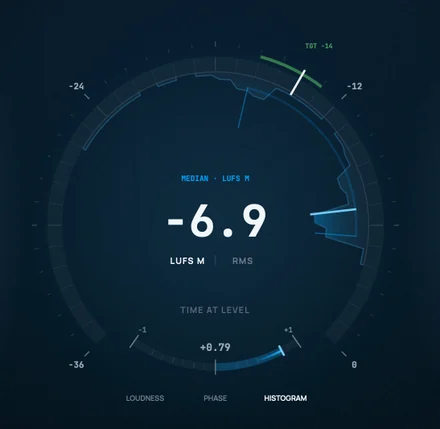
The centre of Dive doesn't just change what it shows — it changes what kind of instrument it is. Click Loudness, Phase or Histogram and it morphs, holding the same measurement throughout.

Arcoline's centre instrument in its HISTOGRAM posture — a time-at-level distribution drawn against the dial's printed loudness axis, with a median reading of -6.9 LUFS M, a LUFS M / RMS unit switch, and the LOUDNESS / PHASE / HISTOGRAM mode strip beneath.
Histogram

Not just how loud — how long.

A time-at-level distribution, drawn on the dial's own printed axis. The shape of your material sits directly against your delivery target and its tolerance band, instead of in a separate window with a separate scale you have to reconcile by eye.

Read it in momentary LUFS or plain RMS — both accumulate at once, so switching units shows you the other view of the same pass rather than starting over. The axis floor adapts to your target and your material, so there's no range knob to manage.

Colour encodes dwell time, never level. The mass tells you where your material lived; the target chrome on the same axis is what judges it.

Made for your room

Three themes for any room.

Arcoline in the default Deep Blue theme.
Deep Blue (default)
Arcoline in the Neutral Dark theme.
Neutral Dark
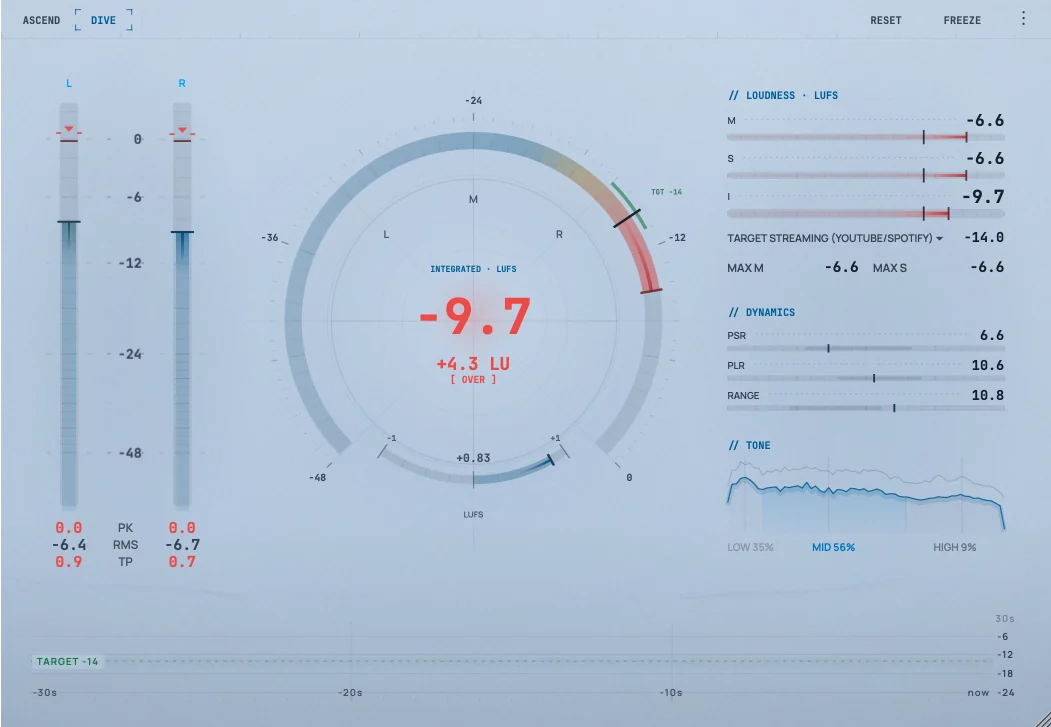
Arcoline in the Light theme.
Light
Available now · Version 1.1.5

Get Arcoline.

Free — a VST3 and AU plugin plus a standalone app, for macOS (universal, Intel & Apple Silicon) and Windows.

Prefer Gumroad? Get Arcoline on Gumroad — the same free download, with the option to name a fair price if you'd like to support development.

Version
1.1.5
Formats
VST3 · AU · Standalone
Platform
macOS · Windows
Price
Free

Optional — hear about updates & new tools. No spam, unsubscribe anytime.

← Back to Products